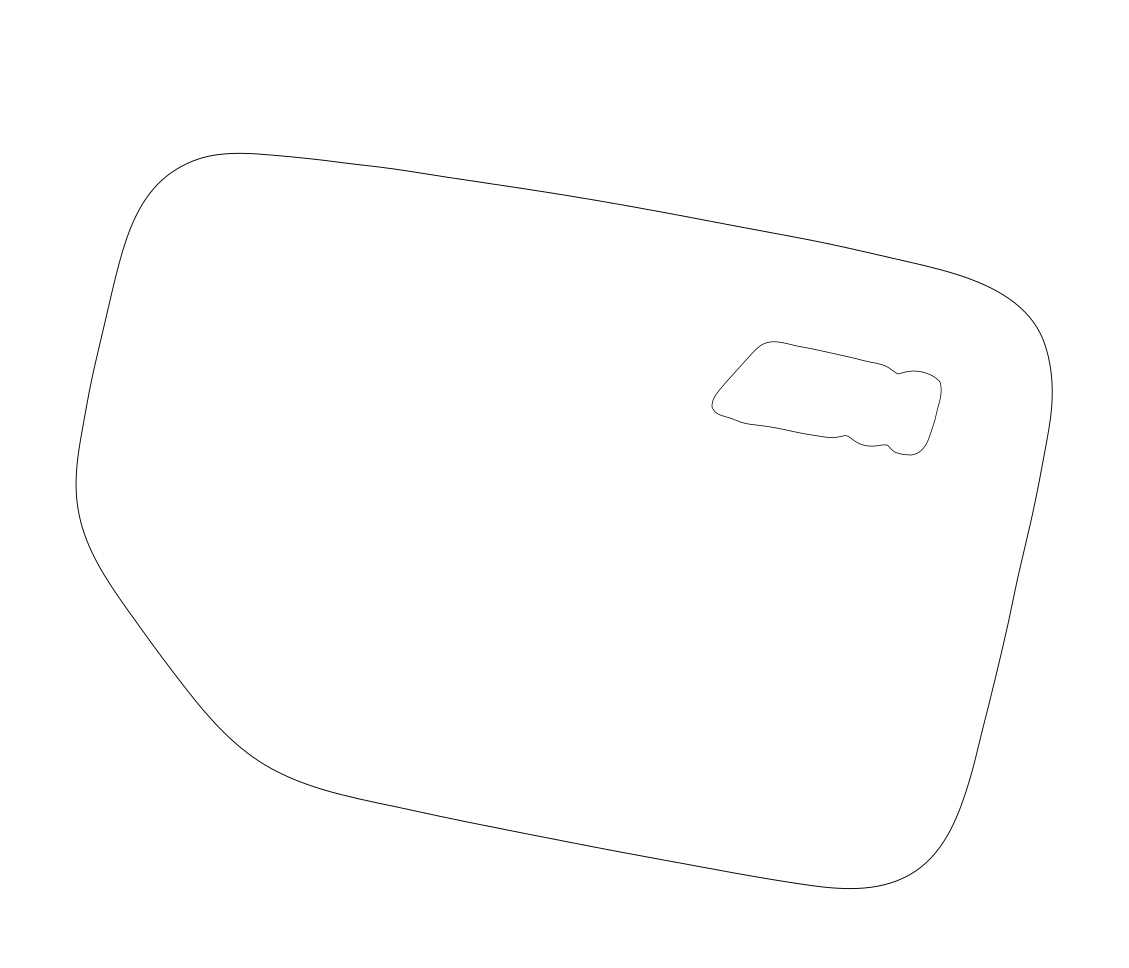
01 / SVG
Flush edges
The film stops inside the cap edge, with an opening around the badge.
Inspect the SVGCase study / BMW X3 30e
A BMW X3 30e needed protection on its fender and charging cap. No pattern library had the pattern for this plug-in hybrid variant. The job needed a custom template.
01 The missing pattern
The car was an X3, but the job was specific to the 30e: the fender and its charging cap needed their own pattern. For this job, no pattern library covered that combination.
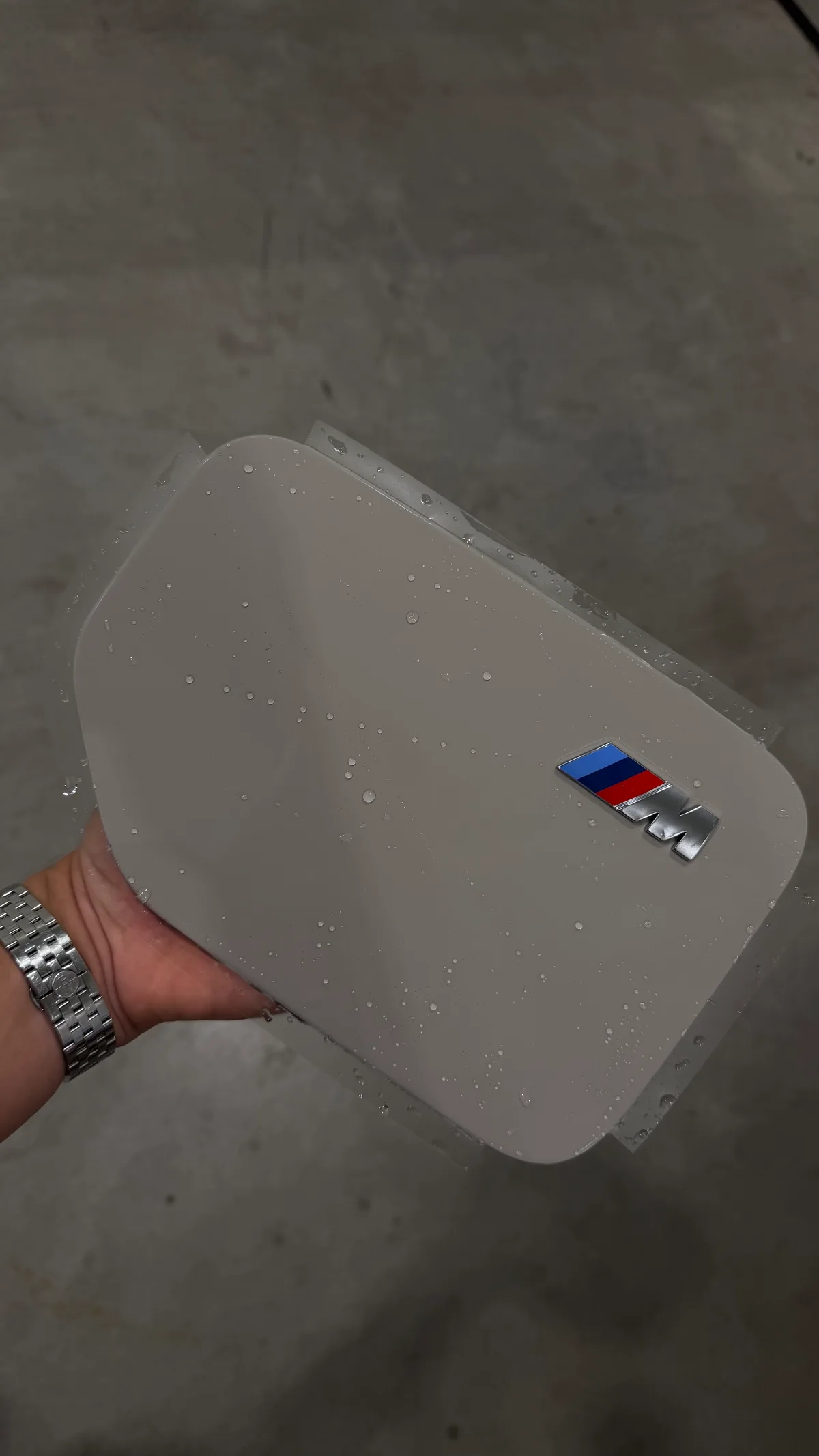
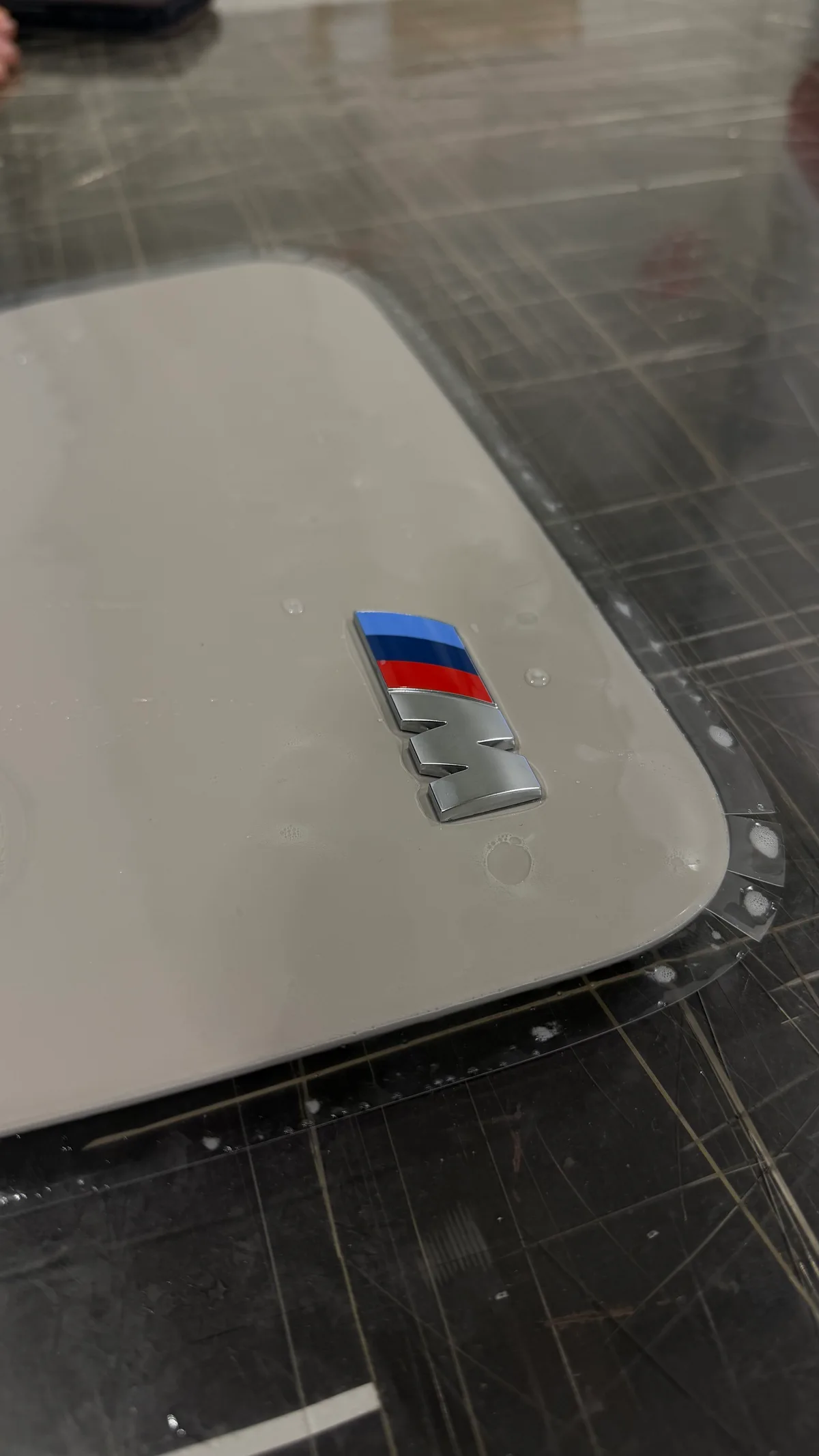
That small panel carries several details the template has to respect: its curved outline, the raised M badge and the edges where the film will stop or wrap. The charging-cap files and workshop photos below show those details being worked through.
02 The template work
The template can be tailored to how the installer wants to work: flush edges, wrap allowances or corner relief cuts, each with an opening around the badge.
01 / SVG
The film stops inside the cap edge, with an opening around the badge.
Inspect the SVG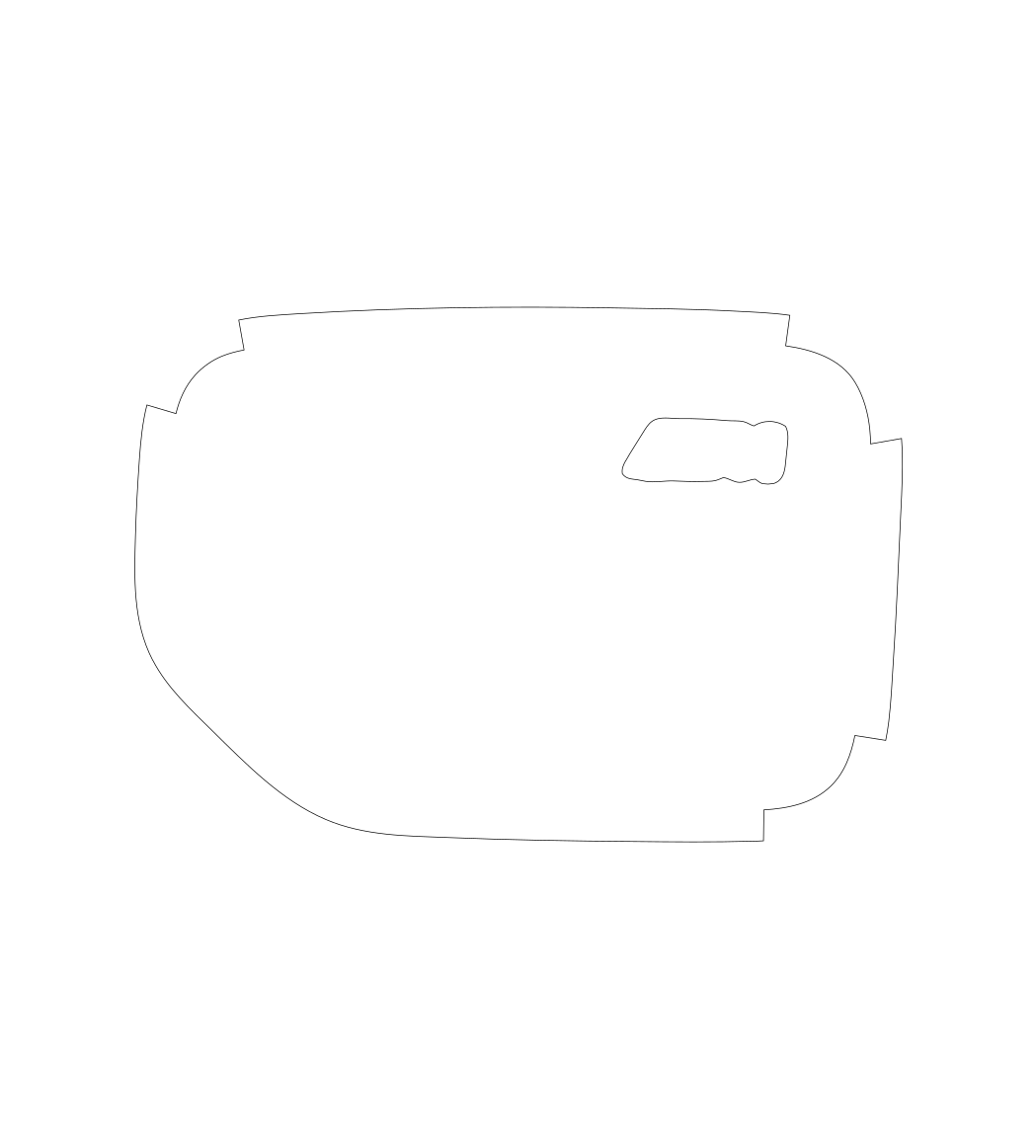
02 / SVG
Selected edges extend beyond the face of the cap, leaving film to turn around the edge.
Inspect the SVG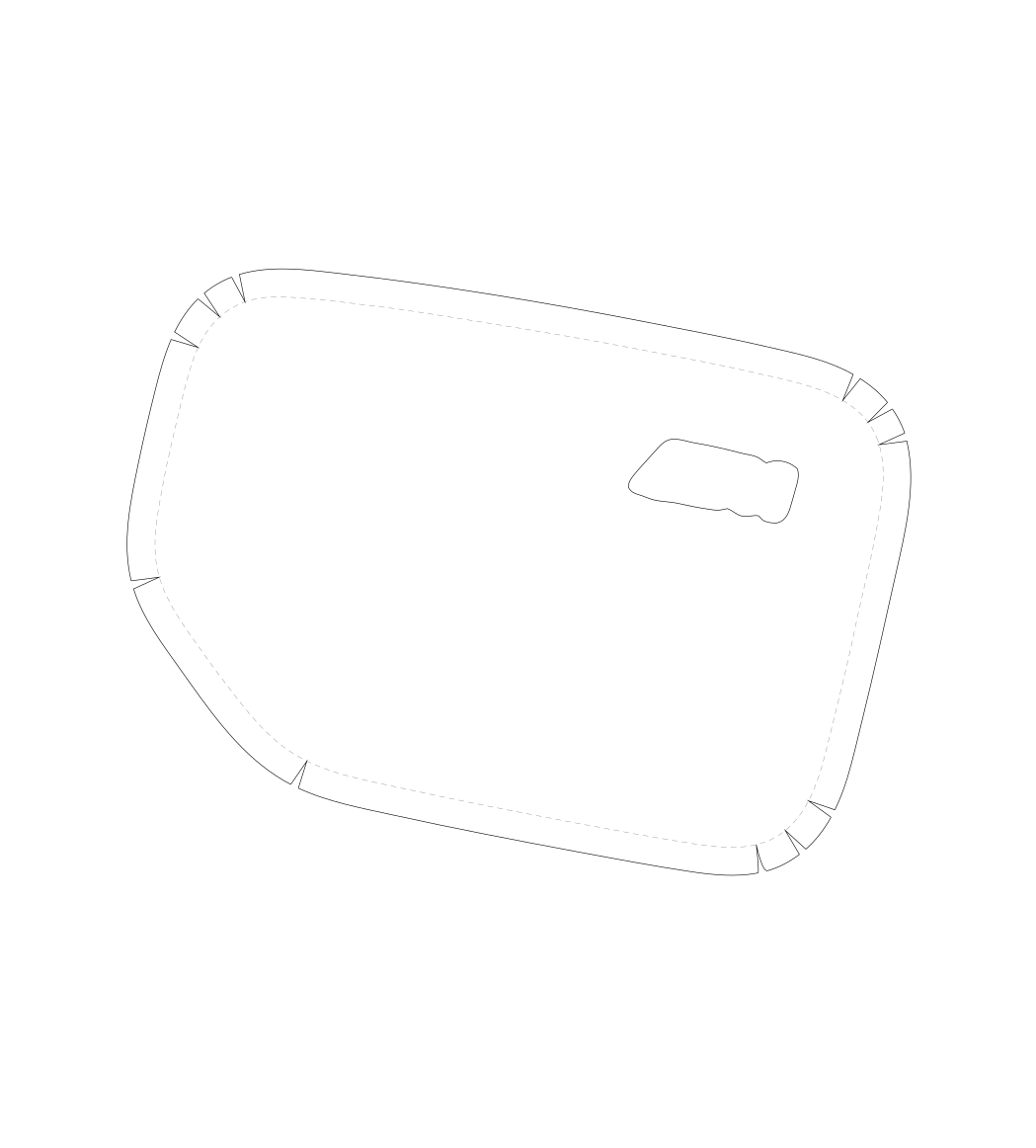
03 / SVG
Relief cuts divide the wrap allowance at the corners. Dashed lines show where the film folds.
Inspect the SVG03 In the app
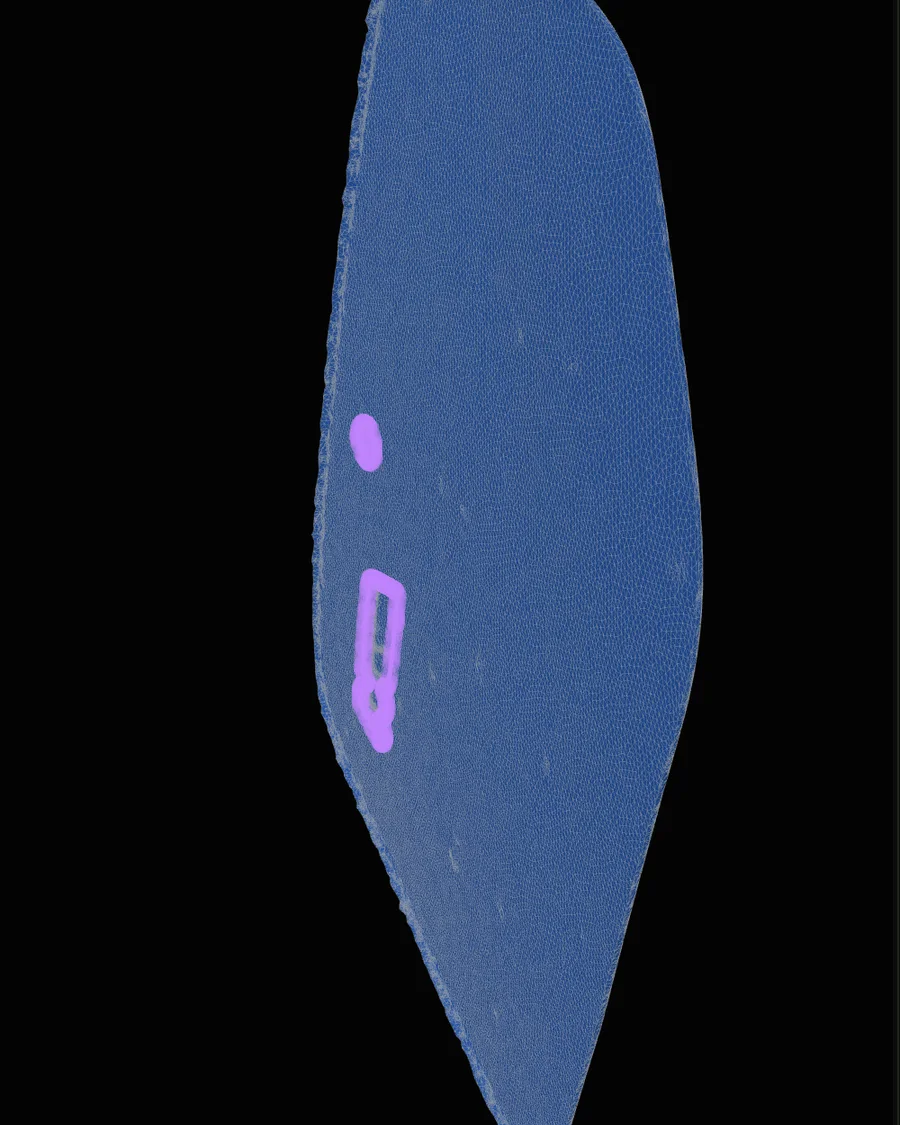
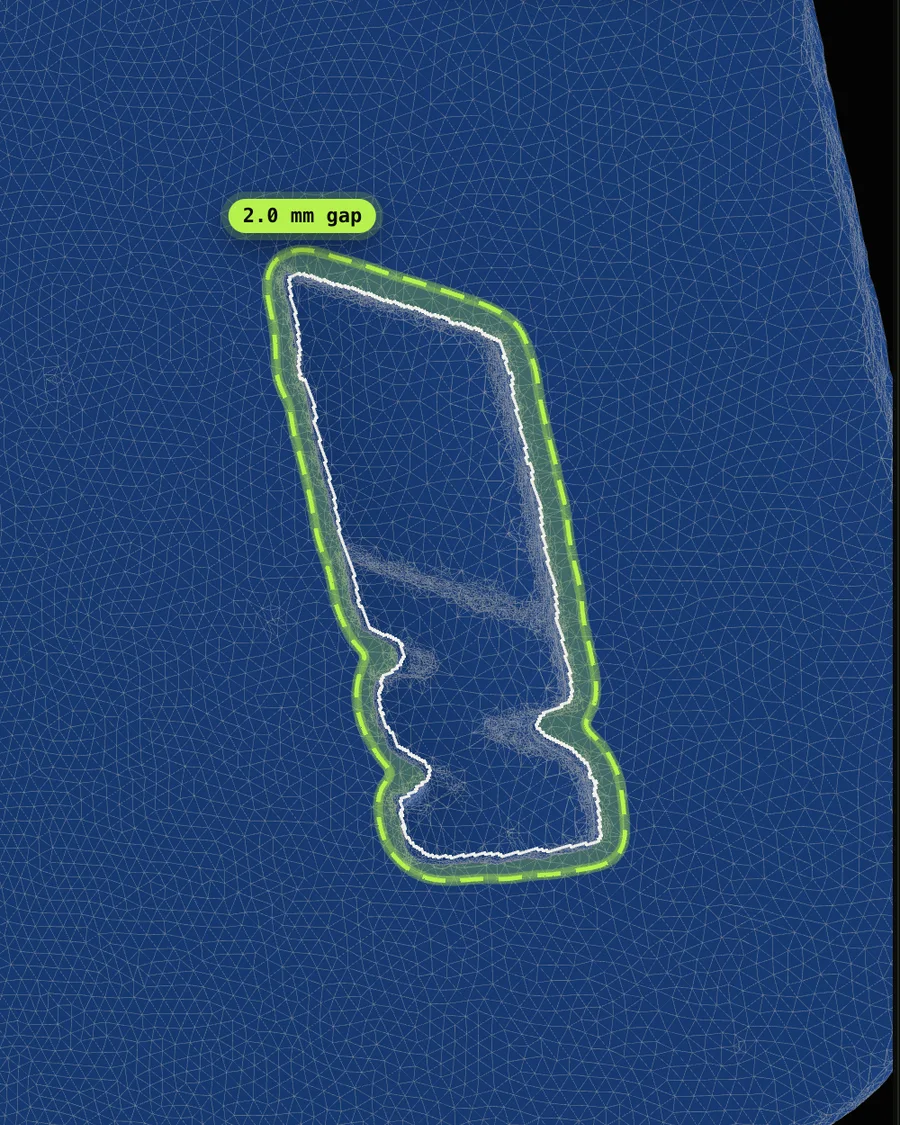
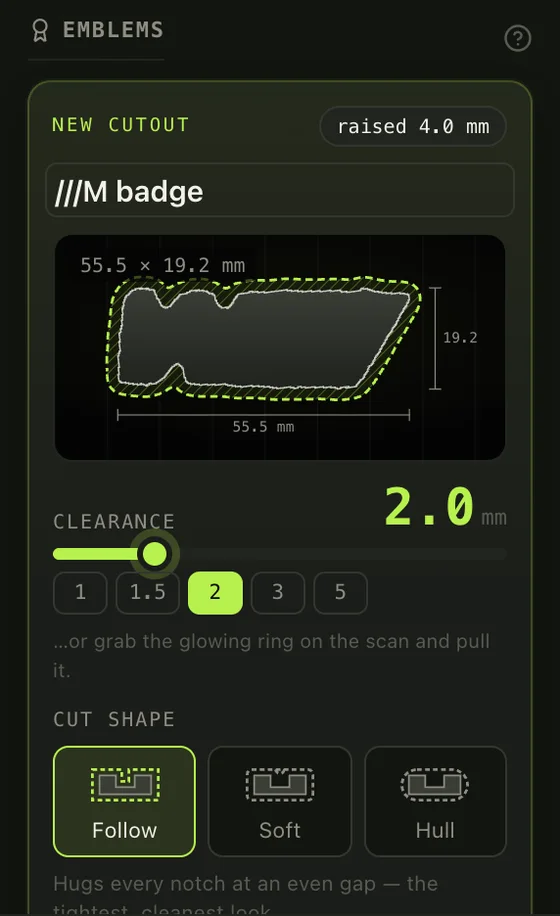
The same cap scan in PPF Engine. The badge is found on the scan, measured where it meets the paint, and cut out at the gap you choose.
04 On the part
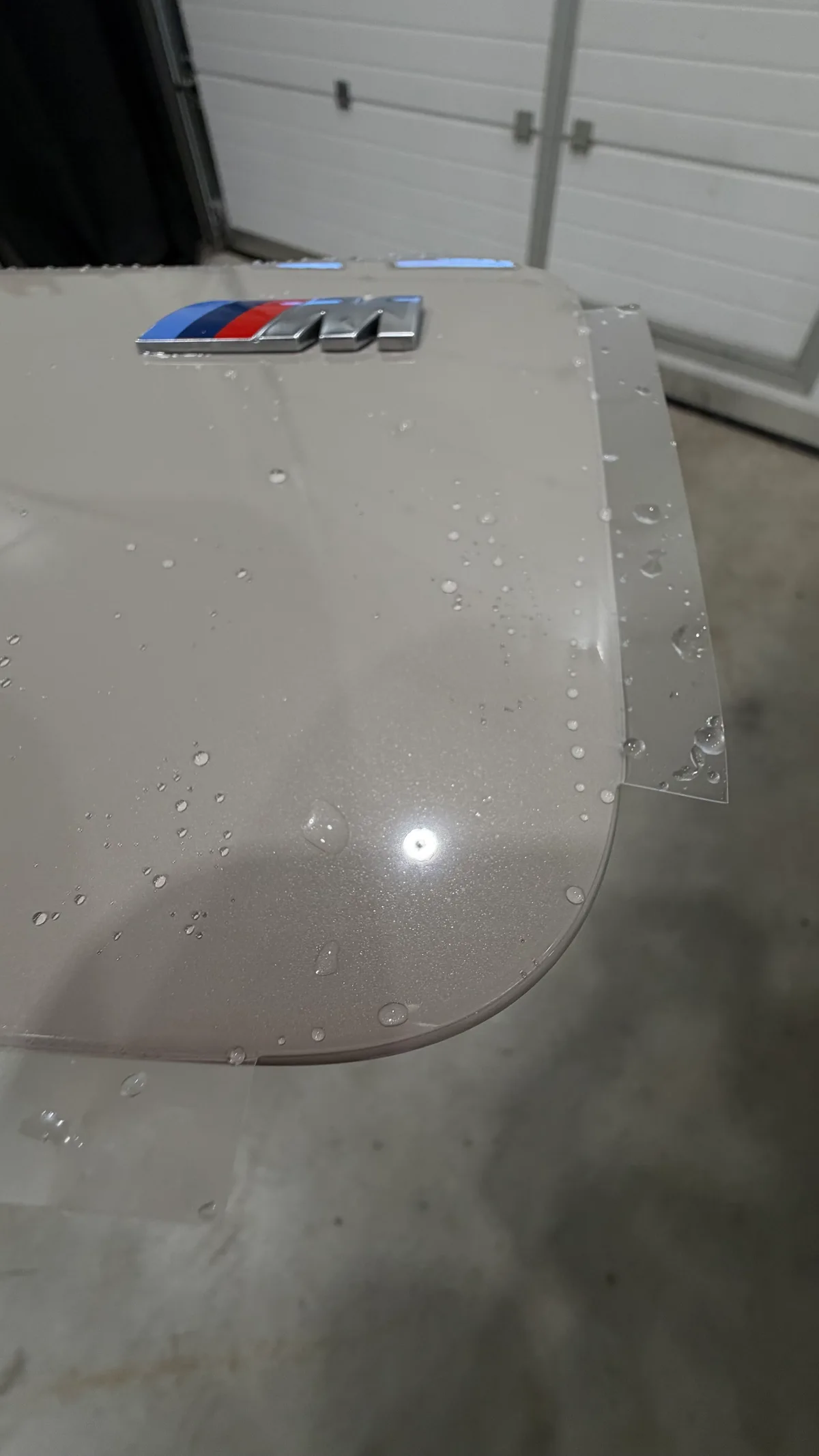
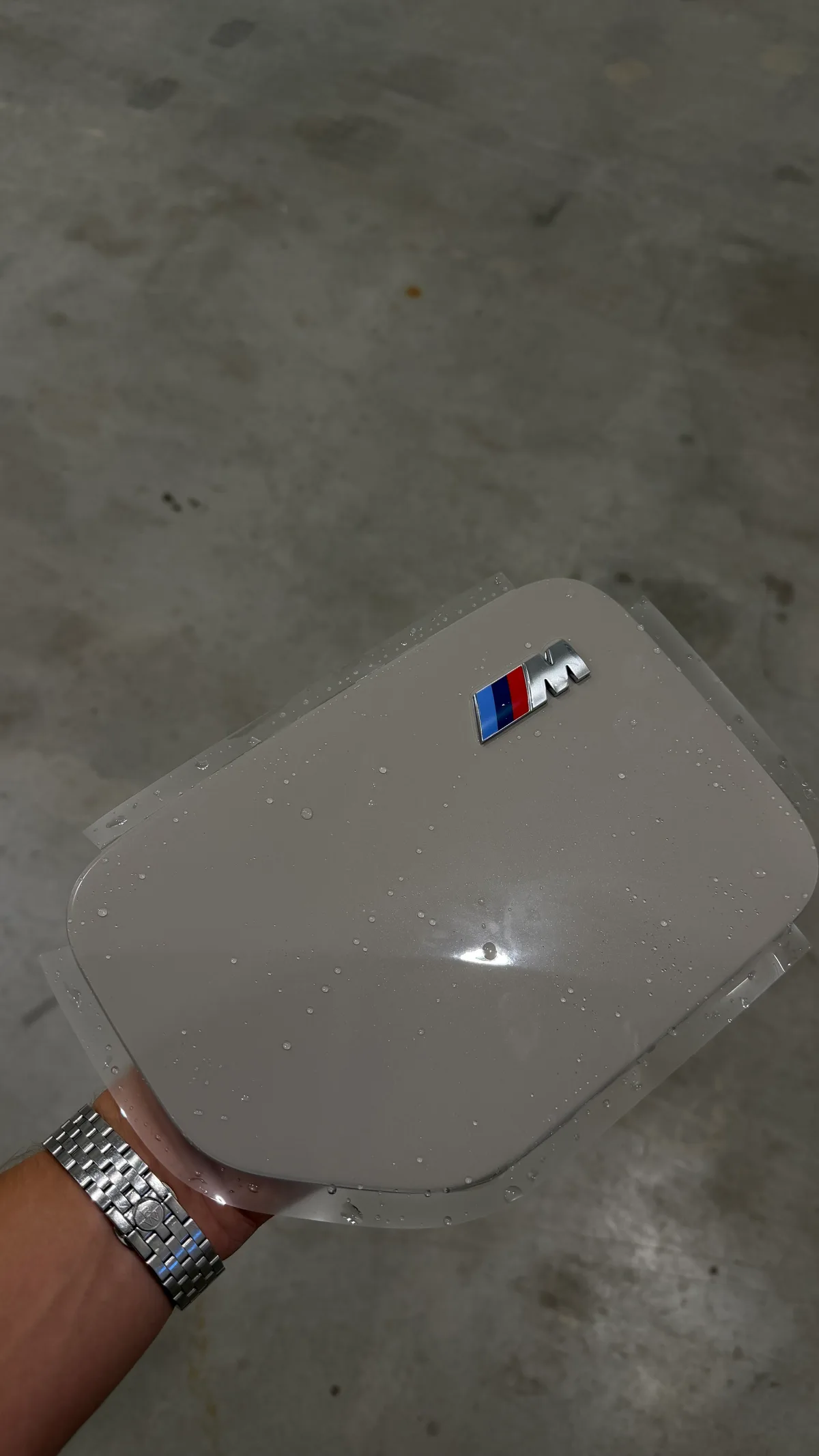
Two edge treatments on the actual cap: template 03 with relief cuts, and template 02 with flush corners and material left to wrap the edges.
Your next missing pattern
A library gap does not change what the customer wants protected. PPF Engine gives installers a way to turn a 3D scan into a custom pattern, then refine the edges and cutouts for the job.