Compatibility guide · scanners and plotters
Will it work with your scanner and plotter?
If your scanner exports a mesh and your plotter imports a vector file, yes. Below: the equipment we have actually tested, the equipment that is only compatible on paper, and a checker for your own setup.
Our studio
- Einstar Rockit · EinScan Rigil tested
- PPF Engine STL · OBJ · PLY in, SVG · DXF · PLT out
- Graphtec FC9000 tested
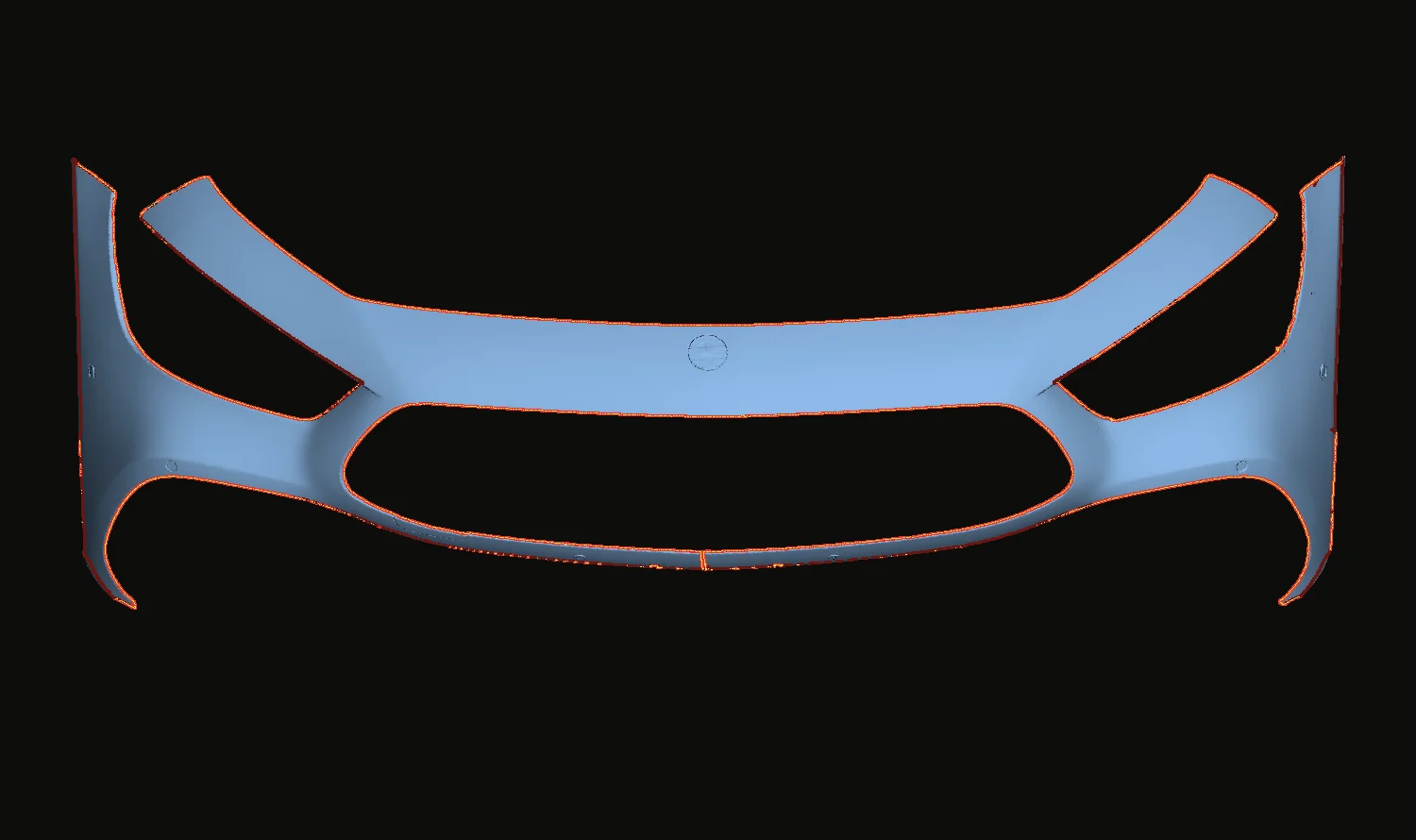
One real scan · 429,592 faces · cut line traced on the surface · facts checked
01 Check your setup
Pick what is in your shop.
A setup is only as good as its weakest link, so the answer is the lower of the two tiers.
Result
Tested
This is exactly what we run. Tested end to end in our own studio.
- Einstar Rockit
- One of the two scanners in our own studio. Its scans were flattened, cut and installed.
- Graphtec FC9000
- This is the plotter in our own studio. Export is developed against it and cut on it in production.
02 Three tiers
Tested is not the same as compatible.
Most software pages blur these. We would rather you know exactly which one you are relying on.
01
Tested in our studio
We own it and cut installed film from it.
Scanners: Shining 3D Einstar Rockit and EinScan Rigil. Plotter: Graphtec FC9000. Scans from both were flattened, and the exported files were cut on the plotter and installed on customer vehicles.
02
File-compatible
The format matches. We have not run the device.
Any scanner whose software exports an STL, OBJ or PLY mesh. Any cutter or cutting software that imports SVG, DXF or PLT (HP-GL): Graphtec, Summa, Roland, Mimaki and others. We say which tier you are in when you ask.
03
Not supported
Does not fit the workflow today.
Photo-only capture with no metric scale, raw point clouds that have not been meshed, and cutters locked to a closed pattern subscription with no file import.
03 Scanners
An Einstar Rockit is a good starting point.
That is the entry-level handheld in our own studio, alongside an EinScan Rigil. If your scanner is in that class or better, the scan side of the workflow should not hold you back. What matters more than the badge:
A
It exports a surface mesh
STL, OBJ or PLY. That is the only hard requirement.
B
It holds edges and small features
Sensor bezels, washer jets and character lines decide the fit. A scanner that smooths them away gives you a clean mesh and a wrong pattern.
C
It covers a full panel in one session
A front bumper can flatten to more than 2.5 metres wide. Tracking that survives dark, glossy paint saves more time than resolution you will never use.
Higher-end laser scanners make capture and cleanup faster. They are not required to make a pattern that fits. If you are buying, these are the two we scan with and point installers to.
 Official store
 - Tested with PPF Engine
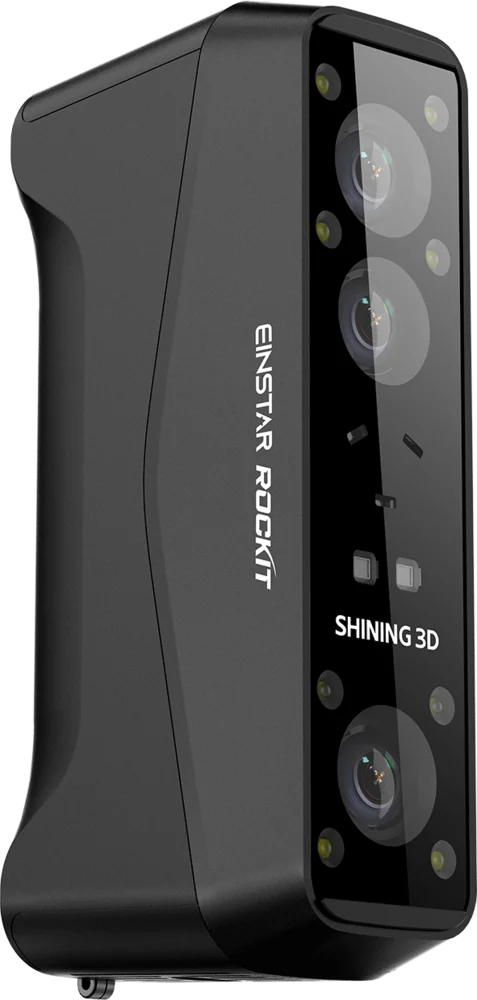
In our studio: where to start
EINSTAR Rockit
The entry-level handheld we scan with. Its scans were flattened, cut and installed with PPF Engine, so we can vouch for it end to end.
- Light
- Blue laser and infrared
- Dark, glossy paint
- Laser mode, no spray
- Cable-free
- Built-in Wi-Fi, swappable battery
- Tested with PPF Engine
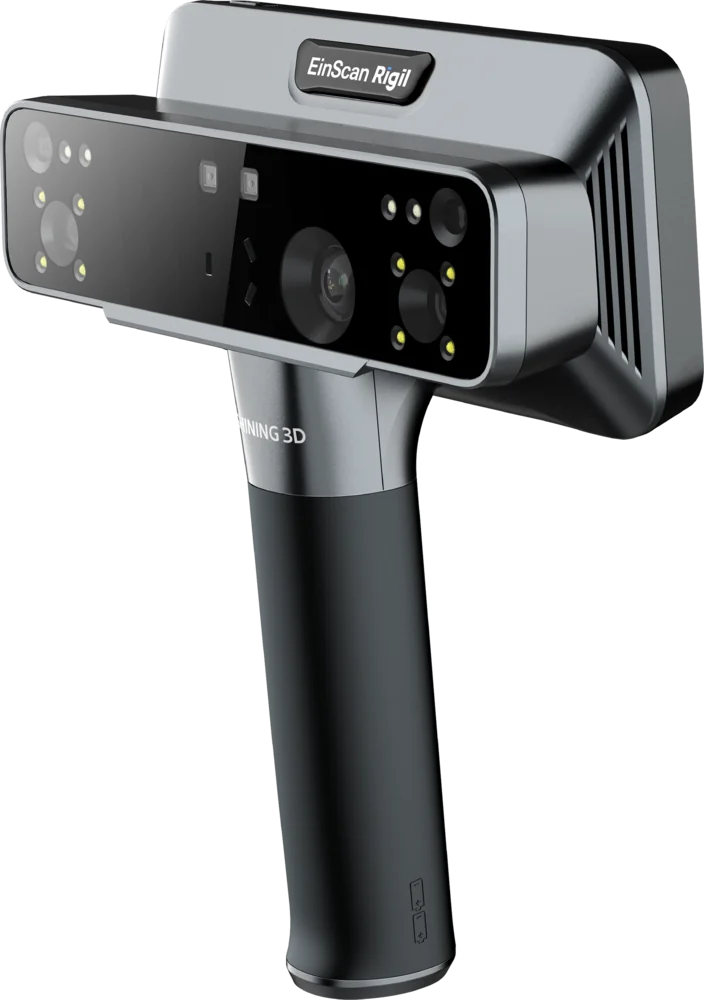
In our studio: the step up
EinScan Rigil
A laser handheld with its own screen and computer, designed for automotive aftermarket work. We scan with one in our studio too, and its scans were flattened, cut and installed with PPF Engine.
- Light
- Blue laser and infrared
- Resolution
- Up to 0.05 mm
- Modes
- Standalone, Wi-Fi 6 or wired
Affiliate links. If you buy through them, EINSTAR pays us a commission and you pay nothing extra. Both are here because they are the scanners we use, not because of the link. Specs and codes are EINSTAR’s.
04 Plotters
A file your cutter already understands.
Full scale in millimetres, with a 100 mm reference line so you can verify scale on the first cut.
- .svgIllustrator, CorelDRAW, Inkscape and most plotter front ends
- .dxfCutting and CAD software, pieces and marks on their own layers
- .pltHP-GL straight to Graphtec-class cutters
The only question is whether the software that drives your cutter opens one of those three. Almost all of them do. A cutter that only accepts one vendor’s pattern subscription, with no import, cannot receive outside files from anyone.
05 Your computer
What your computer needs.
PPF Engine does the geometry on your own machine, not in the cloud. Scans and patterns never leave it. Flattening is the heavy step: more memory and cores shorten the wait, they never change the pattern.
Runs in our studio every day
| Component | Minimum | Recommended |
|---|---|---|
| Processor | Apple M1 | M2 Pro, M3 or newer |
| System | macOS 12 Monterey | macOS 14 Sonoma or later |
| Memory | 8 GB | 16 GB or more The one to spend on. Memory decides how dense a scan you can work on comfortably. |
| Graphics | Built into the chip | Built into the chip |
| Storage | 4 GB free | 25 GB free on an SSD Projects keep the original scan, and a dense scan can be 1 GB on its own. |
| Display | 1440 × 900 | 1680 × 1050 or larger, a 16-inch laptop or an external monitor The 3D view and the 2D editor sit side by side. More room, less panning. |
Will not run on
- Intel Macs
- Linux
- iPad and tablets
- Chromebooks
Our studioMacBook Pro · Apple M3 Max · 48 GB. These are our targets until delivery: we confirm them on clean machines first, and any change shows up here.
06 Everything else
What else you need.
- Computer
- An Apple Silicon Mac or a 64-bit Windows PC with at least 8 GB of memory. The full sheet, and a check for the computer you are on, is in section 05 above.
- Learning effort
- No CAD experience needed, but you do need to know PPF: where a seam can hide, how far an edge wraps, what your film tolerates. Expect your first panels to take longer than your tenth.
- Physical test fit
- Always. Cut a test piece, check it on the car, correct the pattern, then cut production film.
- Availability
- In use in our studio, not yet released for download. Presale access begins at delivery.
Next: how a scan becomes a pattern, or PPF Engine vs ExactFlat.
Next step
See it run on a job like yours.
Tell us the vehicle or panel your pattern library does not cover, and what you scan and cut with. You see the real software run on a job like yours before you decide anything.
Refundable in full until your access begins. One email, no questions. Access begins at delivery (estimated December 2026). Your 12 months start then.